Menu
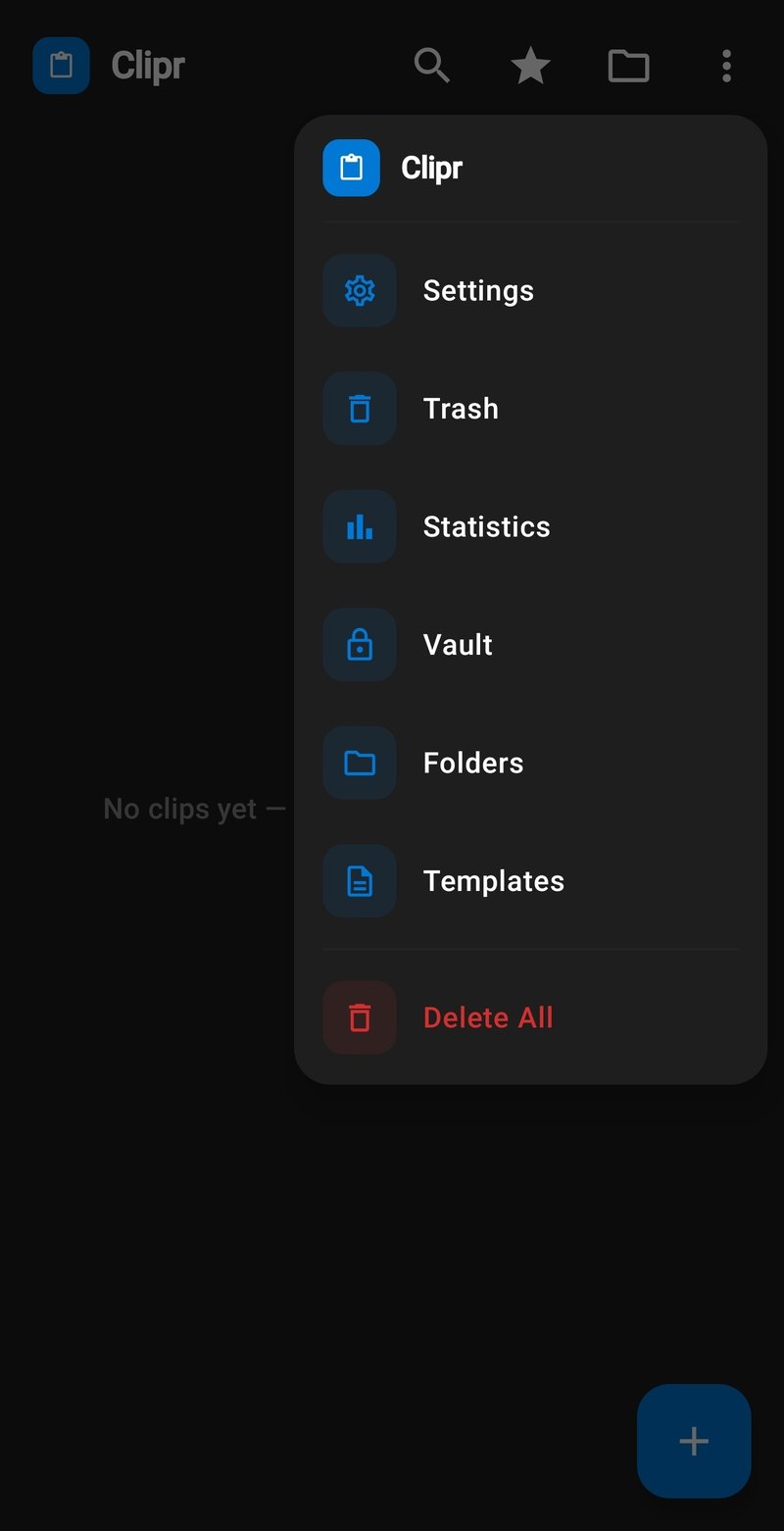
Settings, Vault, folders, and more — one tap away.
Clipr: Clipboard & Copy Paste
No ads, one-time. Keep a clipboard library on your Android phone, then paste from Clipr Keyboard while you type.
Features
Your clipboard library, ready the moment you copy.
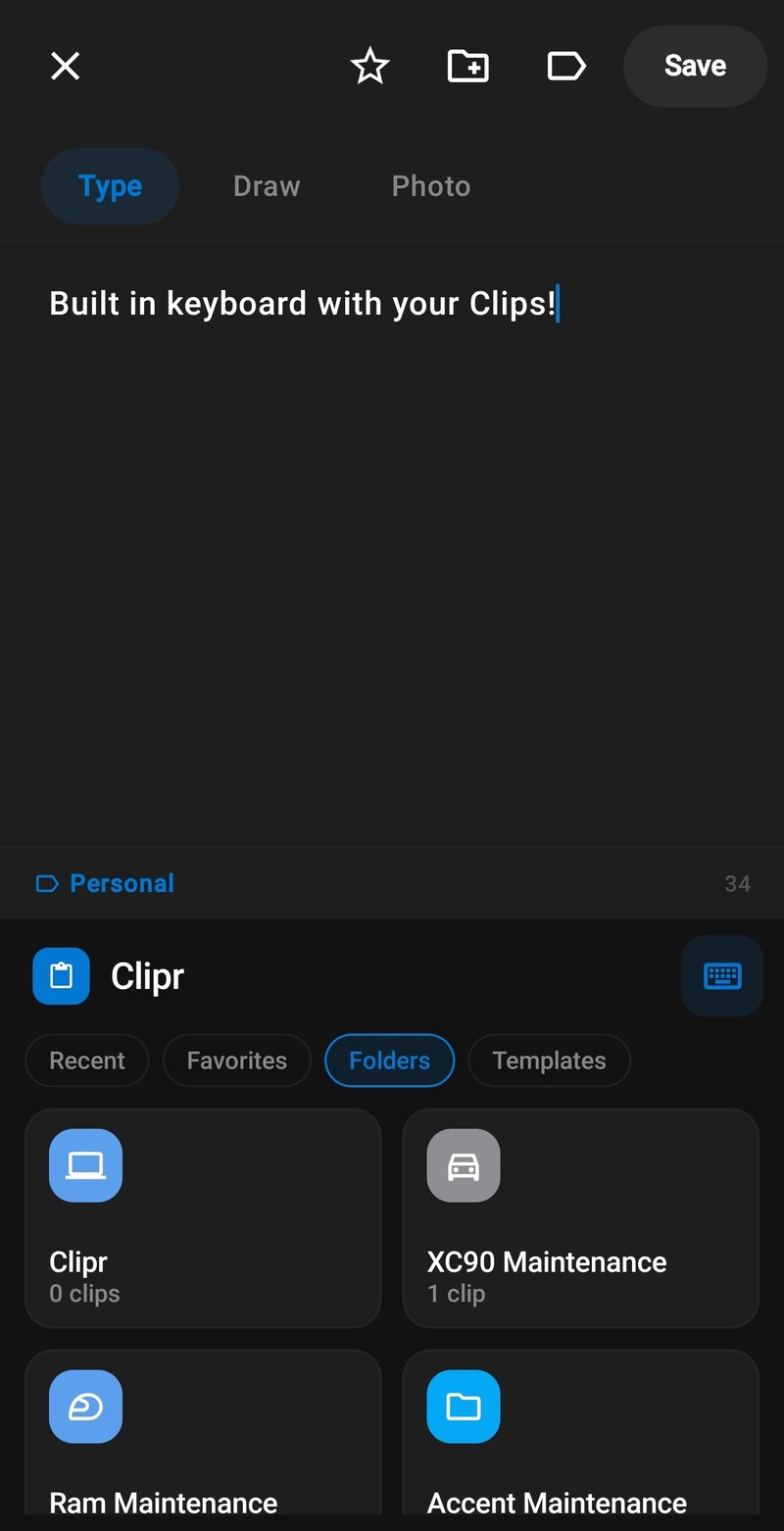
Paste any saved clip from Clipr Keyboard while you type.
You can browse clips in the keyboard for free. Paste is part of the Premium Bundle.
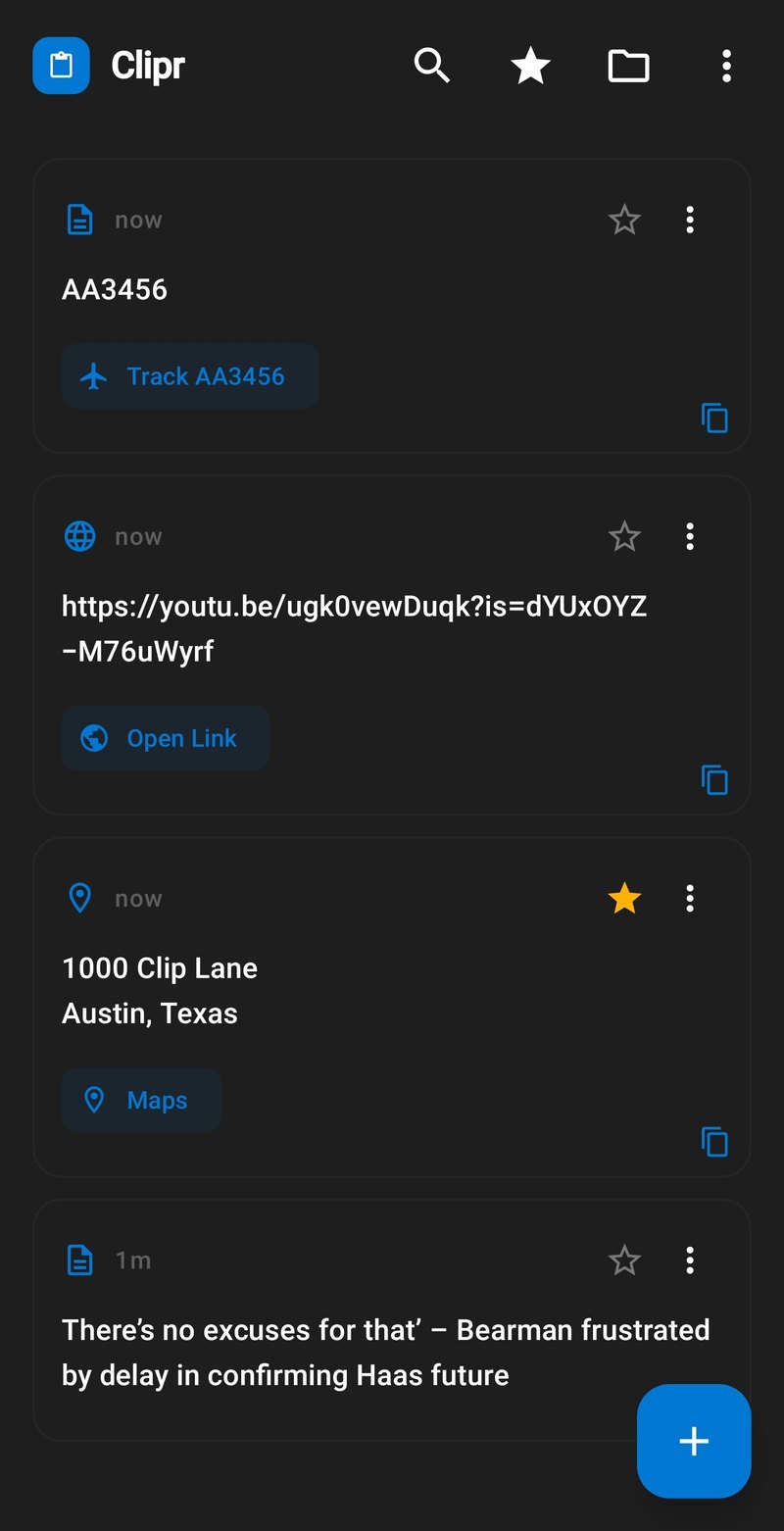
Copy a link, address, or flight number — Clipr offers the next step.
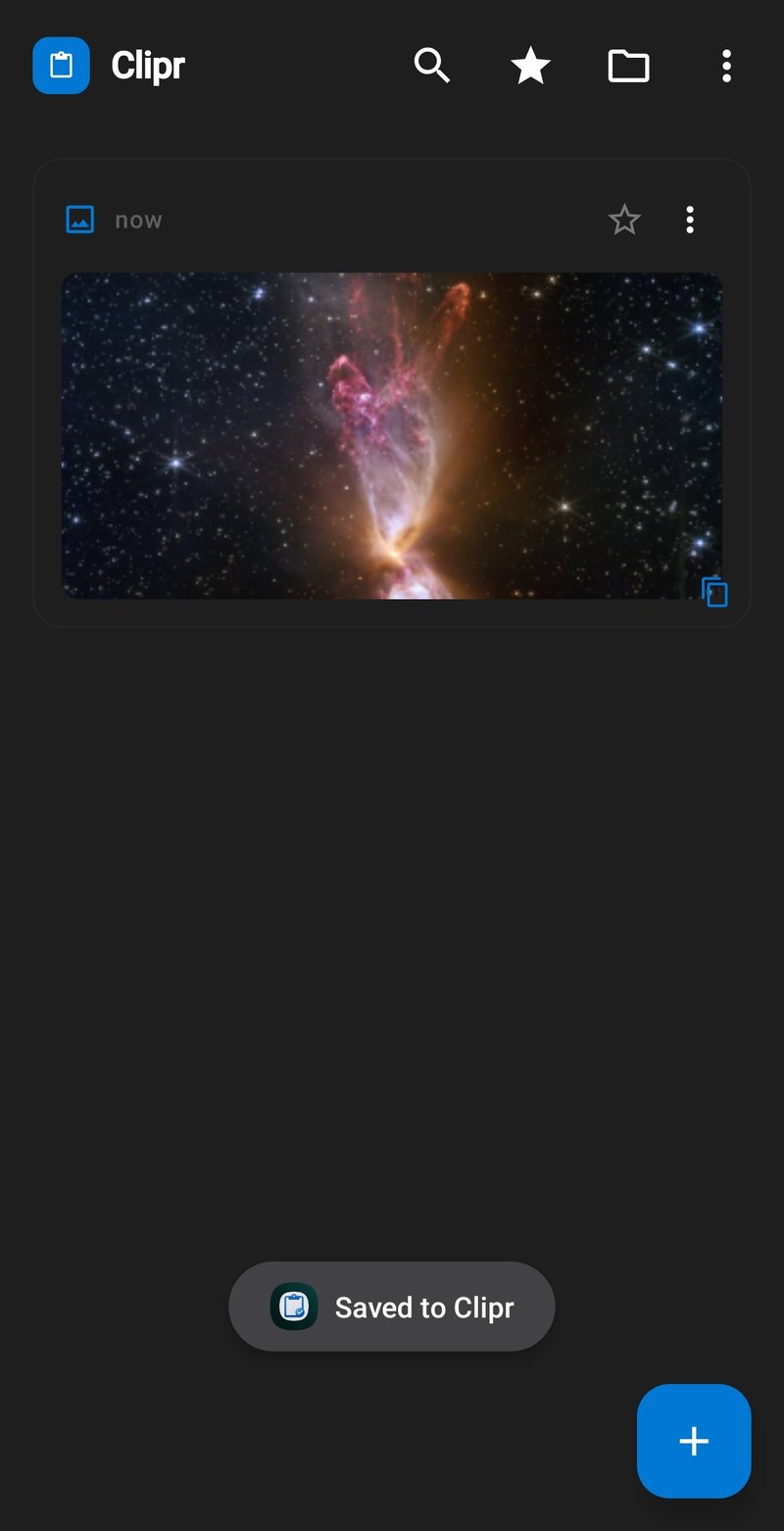
Save pictures the same way you save text.
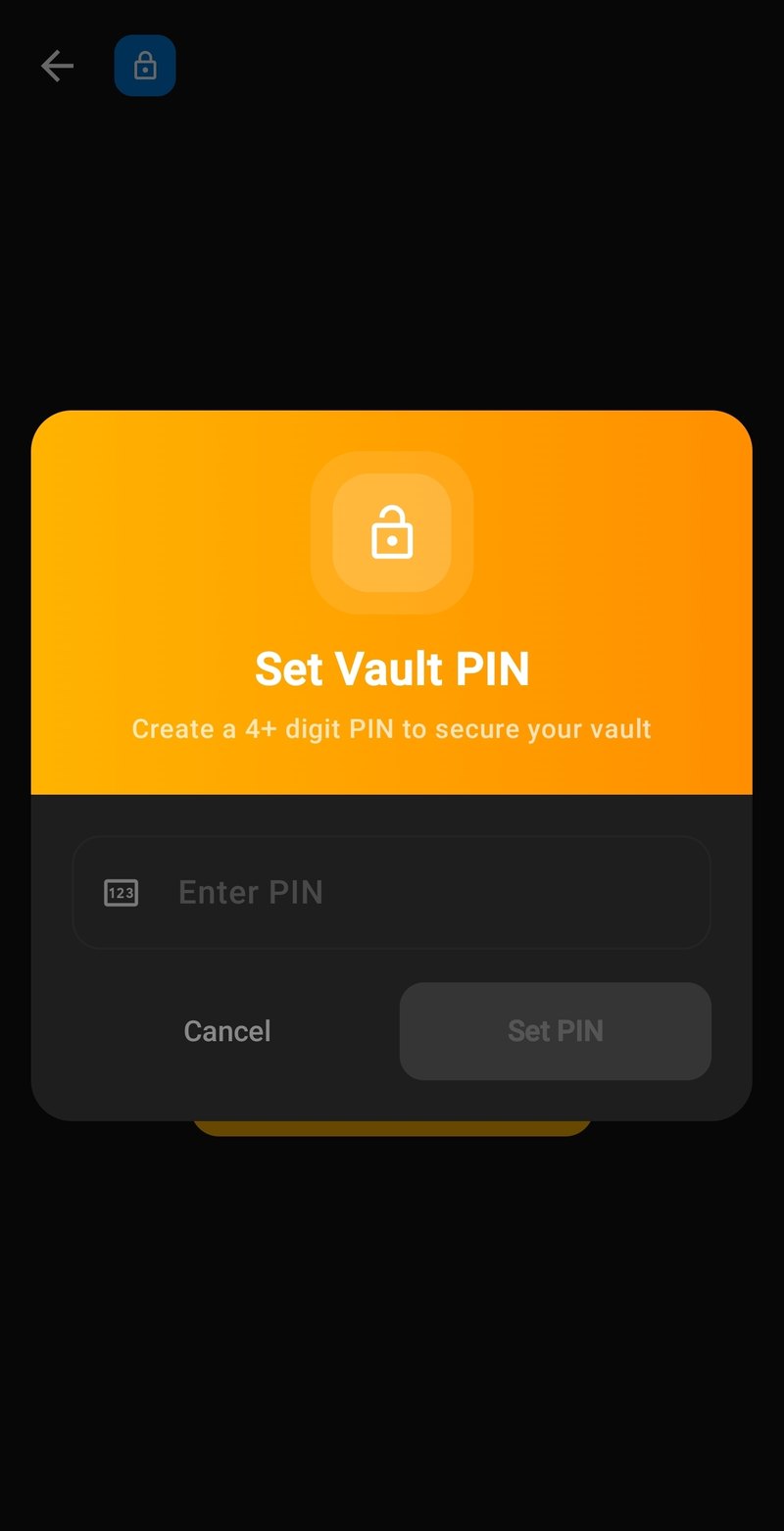
Lock private clips behind your own Vault PIN.
Premium Bundle
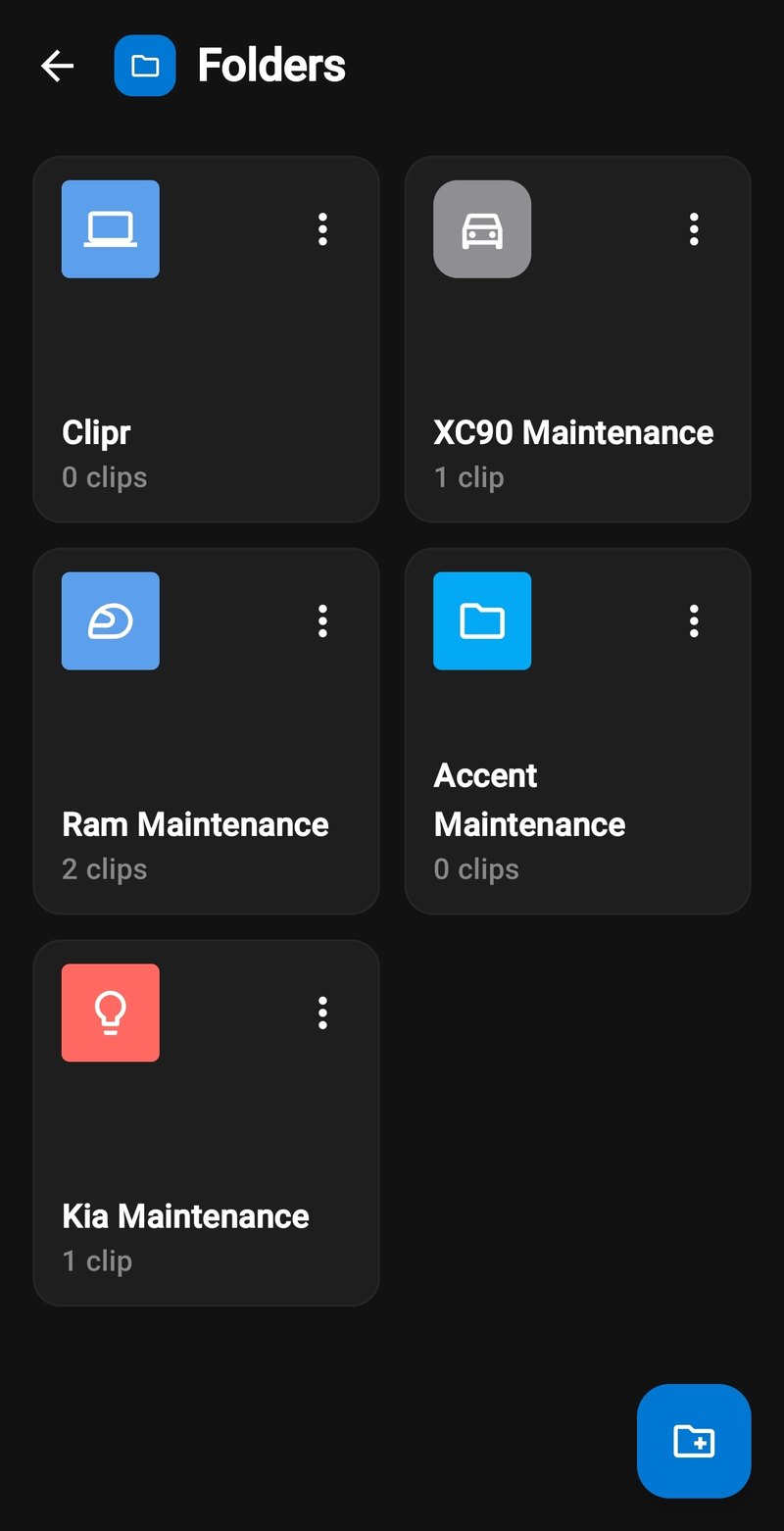
Sort every clip into folders that match how you actually work.
Premium Bundle
And more
Settings, Vault, folders, and more — one tap away.
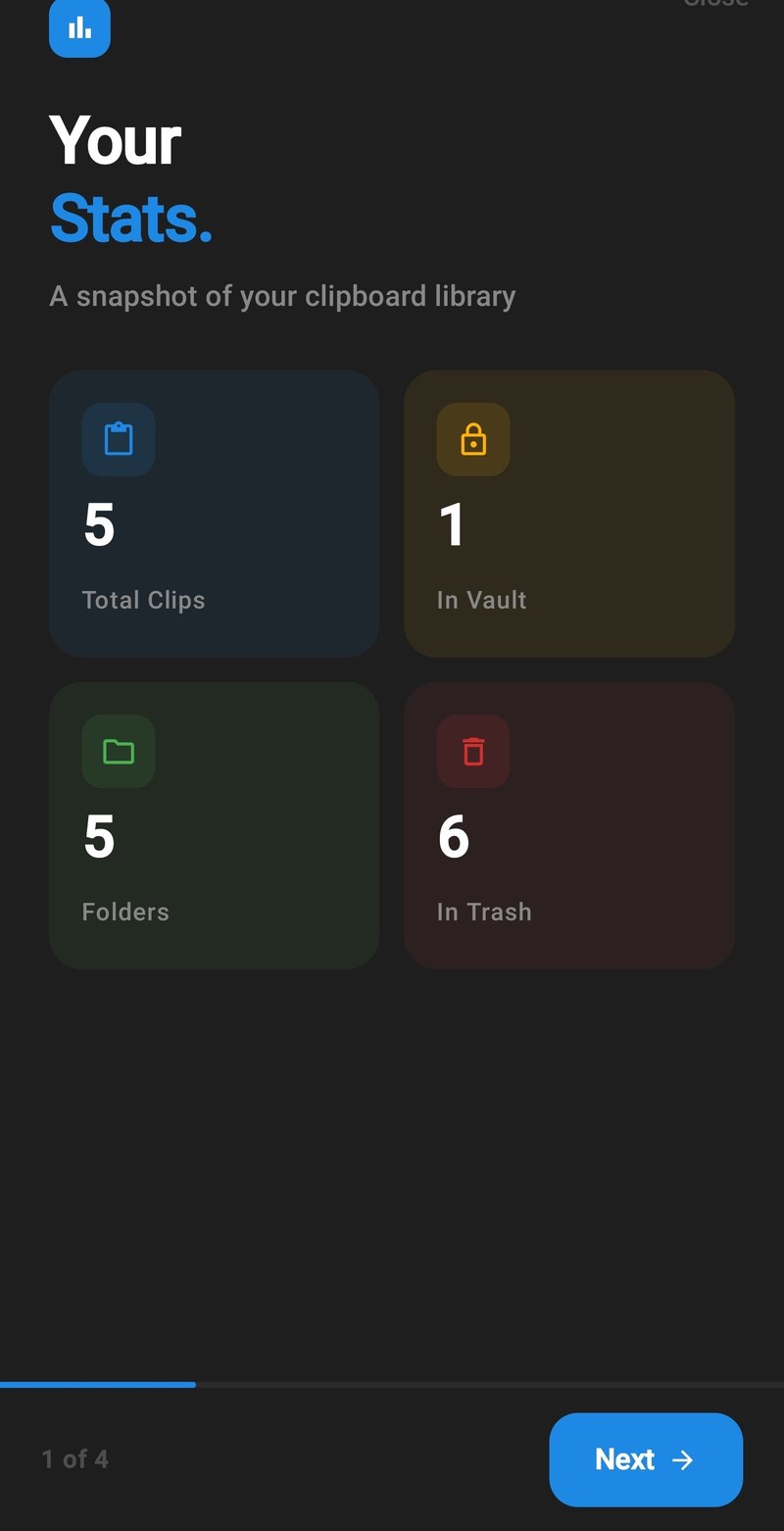
See your whole clipboard library at a glance.
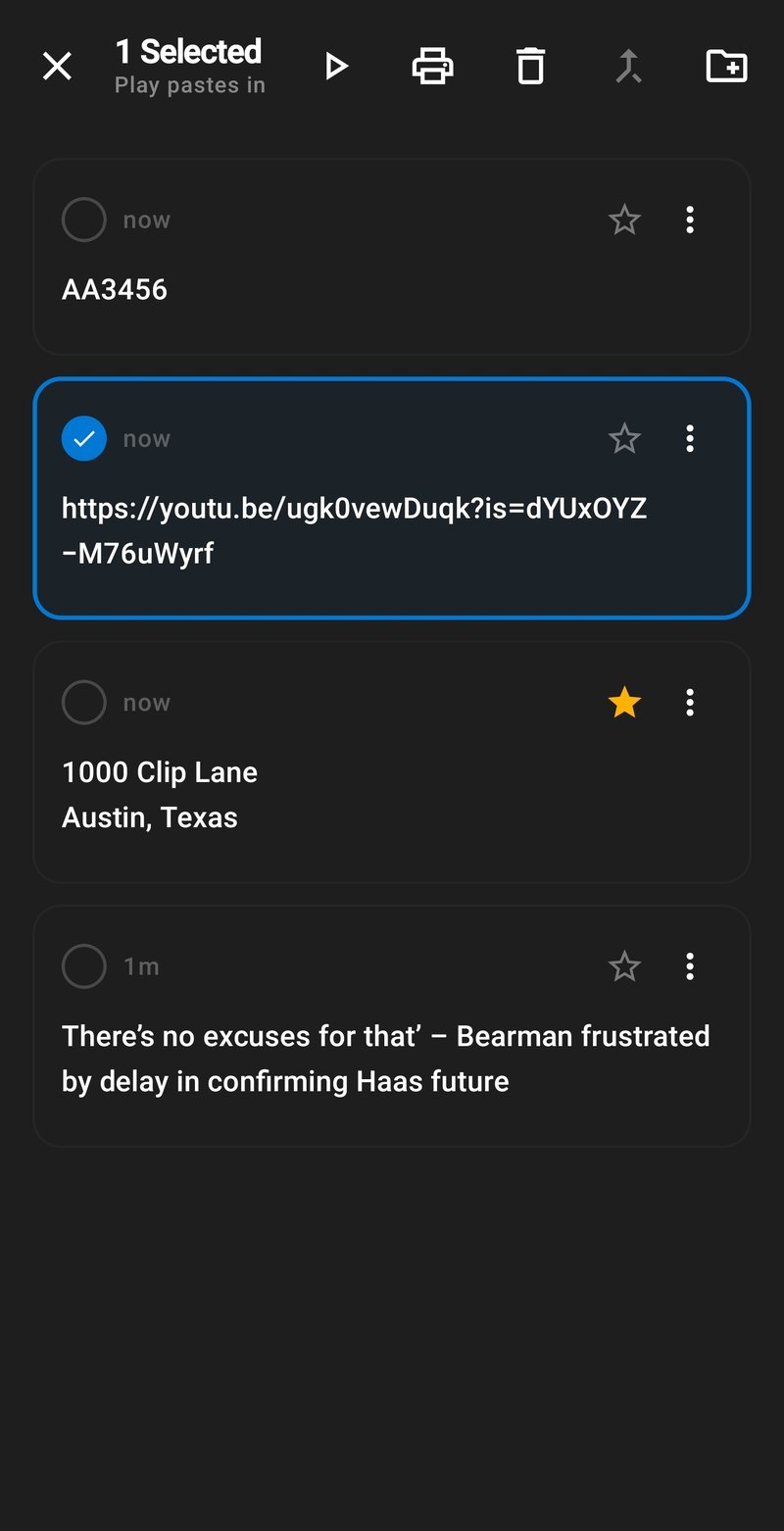
Select many clips, then move, export, or delete them in one go.
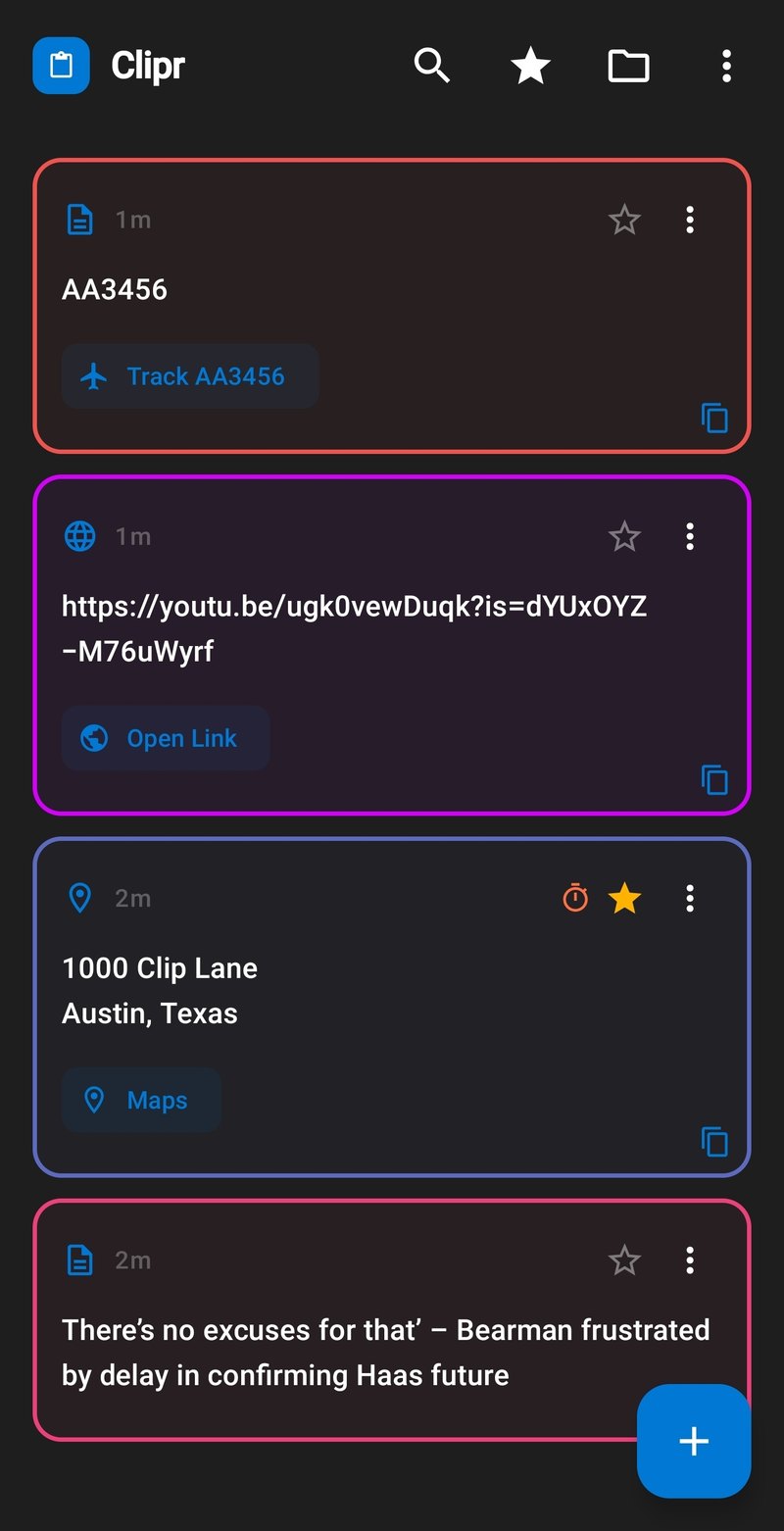
Color-code clips so the important ones jump out.
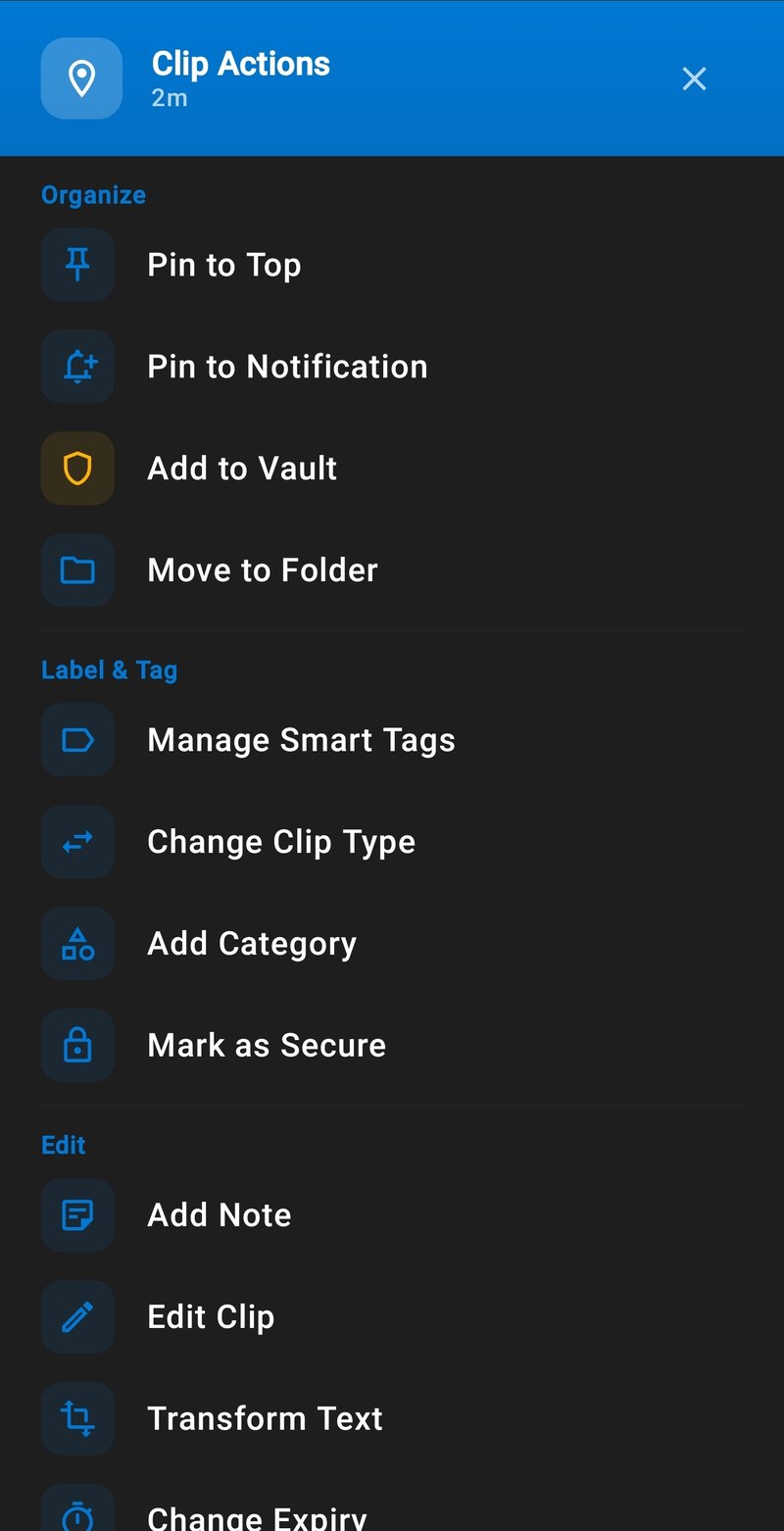
Pin it, vault it, tag it, or set it to expire — every clip has a full toolkit.
How it works
Copy something, or share text and pictures into Clipr, to build your clipboard library.
Set Clipr Keyboard as your main keyboard. Copies can be saved without switching apps.
Browse saved clips in the keyboard for free. Paste any saved clip while you type with the Premium Bundle.
About
Clipr is made by Joseph King at JKingApps in Round Rock, Texas.